
Blog Details
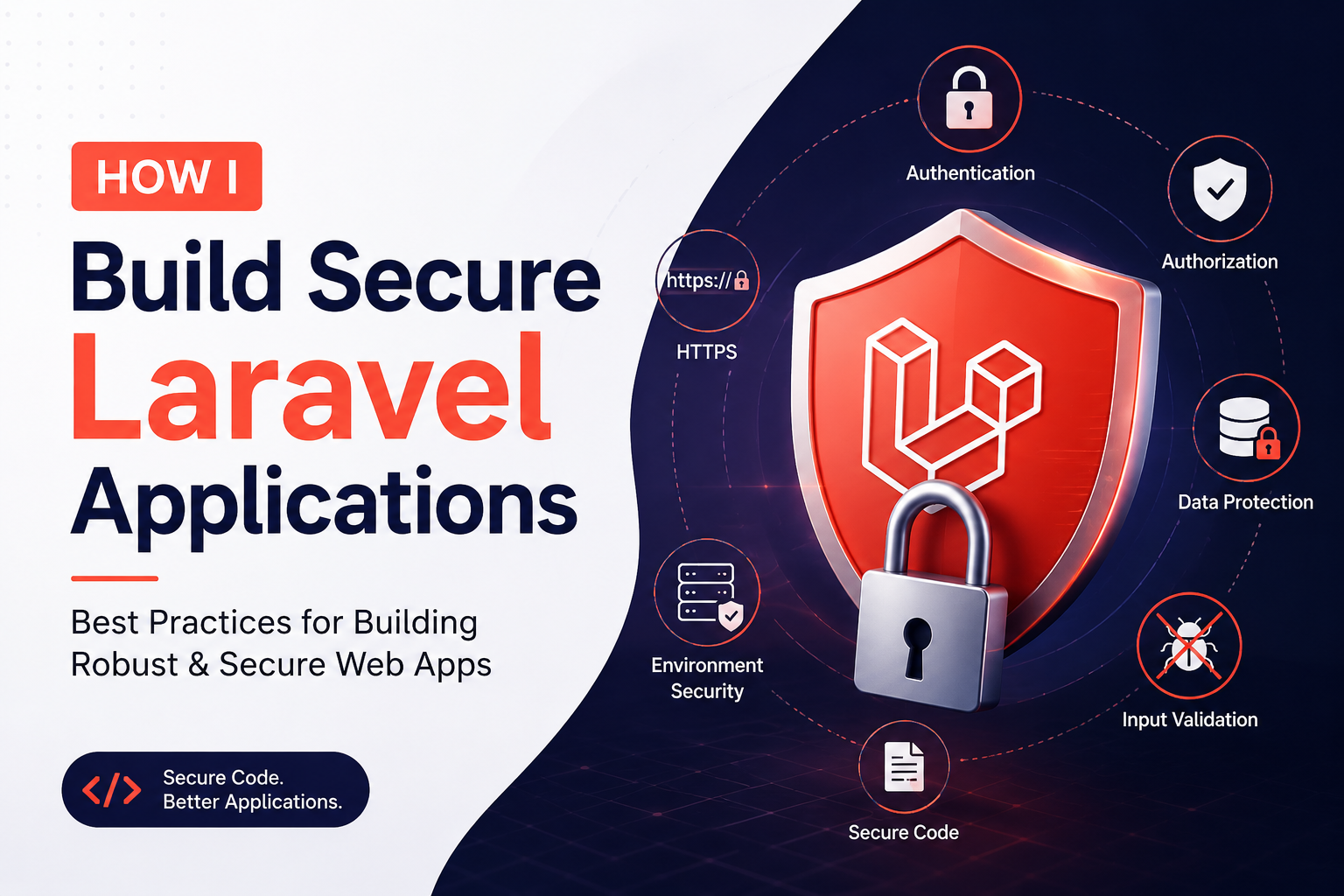
How I Build Secure Laravel Applications
Author: Mubarak Ali Ansari
Security is one of the most important aspects of modern web development. As a PHP and Laravel developer, I believe security should be considered from the beginning of a project—not added as an afterthought.
Laravel provides many built-in security features, but it's the developer's responsibility to use them correctly. In this article, I'll share the practices I follow to build secure Laravel applications.
1. Keep Laravel and Dependencies Updated
The first step toward a secure application is keeping the framework and its packages up to date.
I regularly update:
- Laravel framework
- Composer packages
- PHP version
- JavaScript dependencies
Updates often include important security patches and performance improvements.
2. Never Trust User Input
Every piece of data submitted by a user is validated before it reaches the application logic.
Laravel makes validation simple:
$request->validate([ 'name' => 'required|string|max:255', 'email' => 'required|email|unique:users', ]);
Validating input helps prevent invalid data from entering the database and reduces security risks.
3. Protect Against SQL Injection
Laravel's Eloquent ORM and Query Builder automatically use parameter binding, making SQL injection much harder.
Instead of writing raw SQL like this:
DB::select("SELECT * FROM users WHERE email = '$email'");
I use:
User::where('email', $email)->first();
or
DB::table('users')->where('email', $email)->first();
Whenever raw queries are necessary, I always use parameter binding.
4. Use Laravel Authentication
Rather than building authentication from scratch, I rely on Laravel's authentication system.
Depending on the project, I use:
- Laravel Breeze
- Laravel Jetstream
- Laravel Fortify
These packages provide secure login, password hashing, email verification, password resets, and other authentication features.
5. Hash Passwords Properly
Passwords are never stored in plain text.
Laravel automatically hashes passwords using:
Hash::make($request->password);
To verify passwords:
Hash::check($password, $hashedPassword);
This follows modern password security standards.
6. Implement Authorization
Authentication identifies who a user is, while authorization determines what they can do.
I use:
- Gates
- Policies
- Middleware
- Role-based permissions
This ensures users can access only the resources they're authorized to use.
7. Enable CSRF Protection
Cross-Site Request Forgery (CSRF) attacks can trick users into performing unintended actions.
Laravel protects forms automatically using:
@csrf
Every POST, PUT, PATCH, and DELETE form in my applications includes a CSRF token.
8. Escape Output to Prevent XSS
Cross-Site Scripting (XSS) attacks occur when malicious scripts are injected into web pages.
Laravel automatically escapes output when using:
{{ $user->name }}
I only use:
{!! $content !!}
when the content has been properly sanitized and is trusted.
9. Secure File Uploads
File uploads require extra care.
My approach includes:
- Validating MIME types
- Restricting file size
- Generating unique filenames
- Storing uploads outside the public directory when appropriate
- Rejecting executable file types
Example:
$request->validate([ 'image' => 'required|image|mimes:jpg,jpeg,png,webp|max:2048', ]);
10. Protect Sensitive Information
I never hard-code credentials into my application.
Instead, I store sensitive values in the .env file, including:
- Database credentials
- Mail configuration
- API keys
- Payment gateway secrets
The .env file is excluded from version control to prevent accidental exposure.
11. Use HTTPS Everywhere
All production applications should use HTTPS.
Benefits include:
- Encrypted communication
- Secure authentication
- Improved user trust
- Better search engine rankings
I also configure secure cookies and force HTTPS where appropriate.
12. Log Errors Without Exposing Them
Users should never see detailed exception messages in production.
Instead, I:
- Log errors using Laravel's logging system
- Display friendly error pages
- Monitor logs to identify and resolve issues
This protects sensitive application details while making debugging easier.
Final Thoughts
Building secure Laravel applications isn't about relying on a single feature—it's about following secure practices throughout the development process. Laravel provides an excellent foundation with built-in protection against common vulnerabilities, but using those features consistently is what makes an application truly secure.
Whether I'm developing a business website, an admin dashboard, an e-commerce platform, or a custom web application, security remains a priority from planning to deployment. By combining Laravel's built-in capabilities with disciplined development practices, I aim to deliver applications that are reliable, maintainable, and resilient against common security threats.